Abstract Linocut MEGA BUNDLE — Bold Shapes, Fast Builds
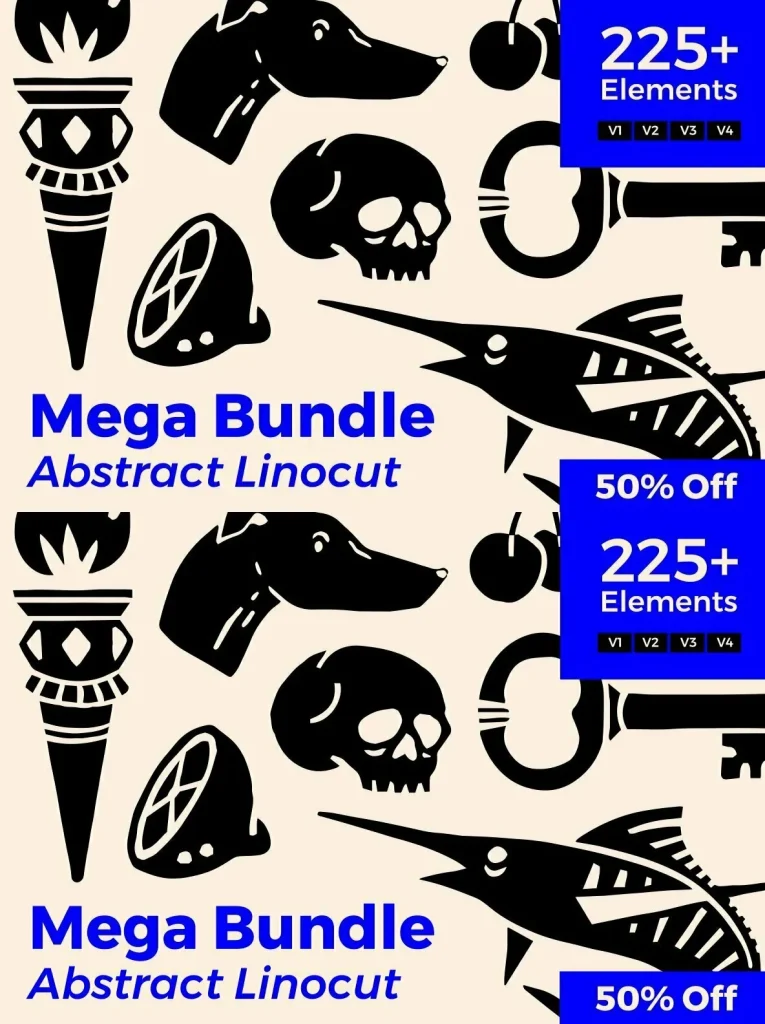
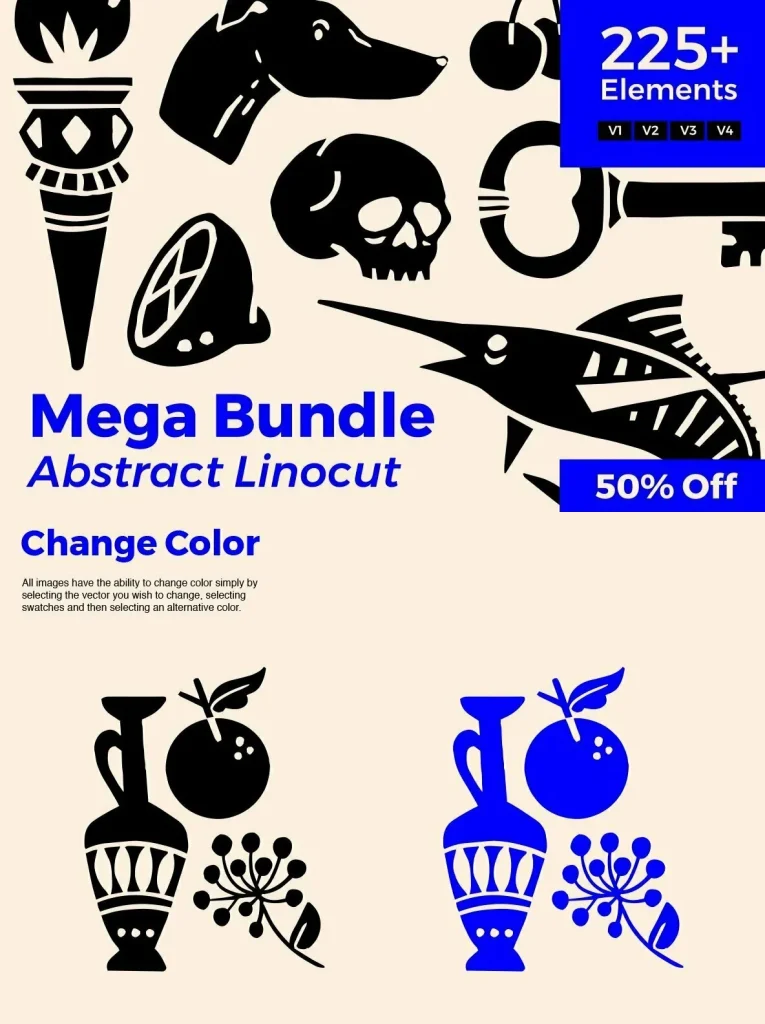
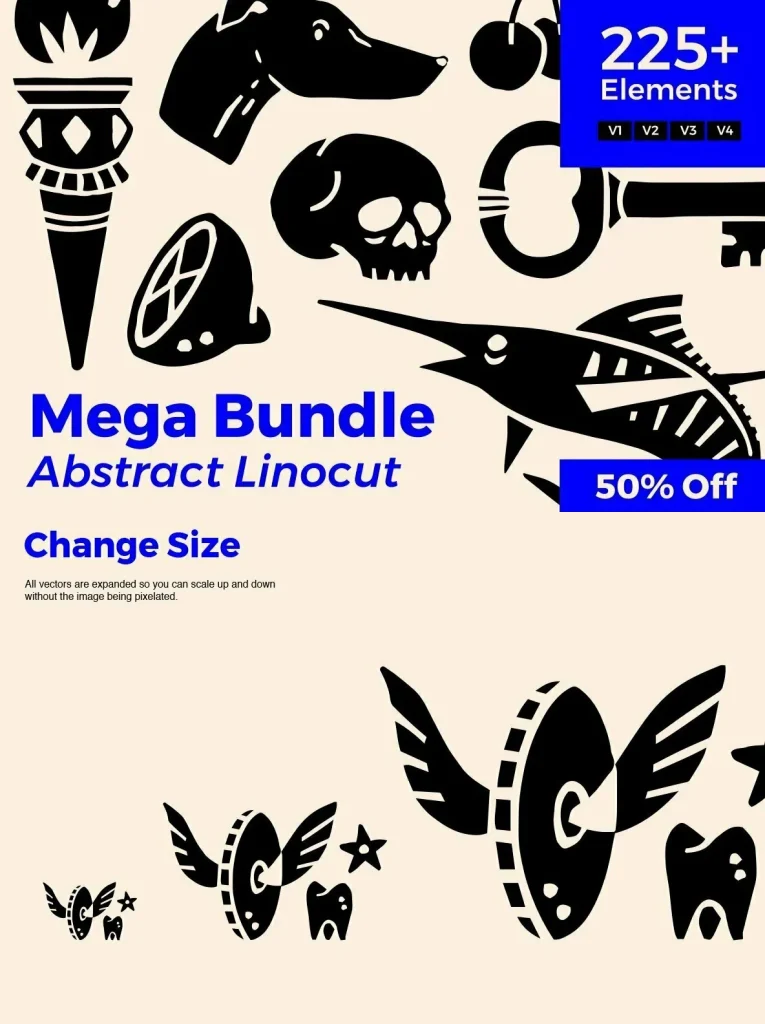
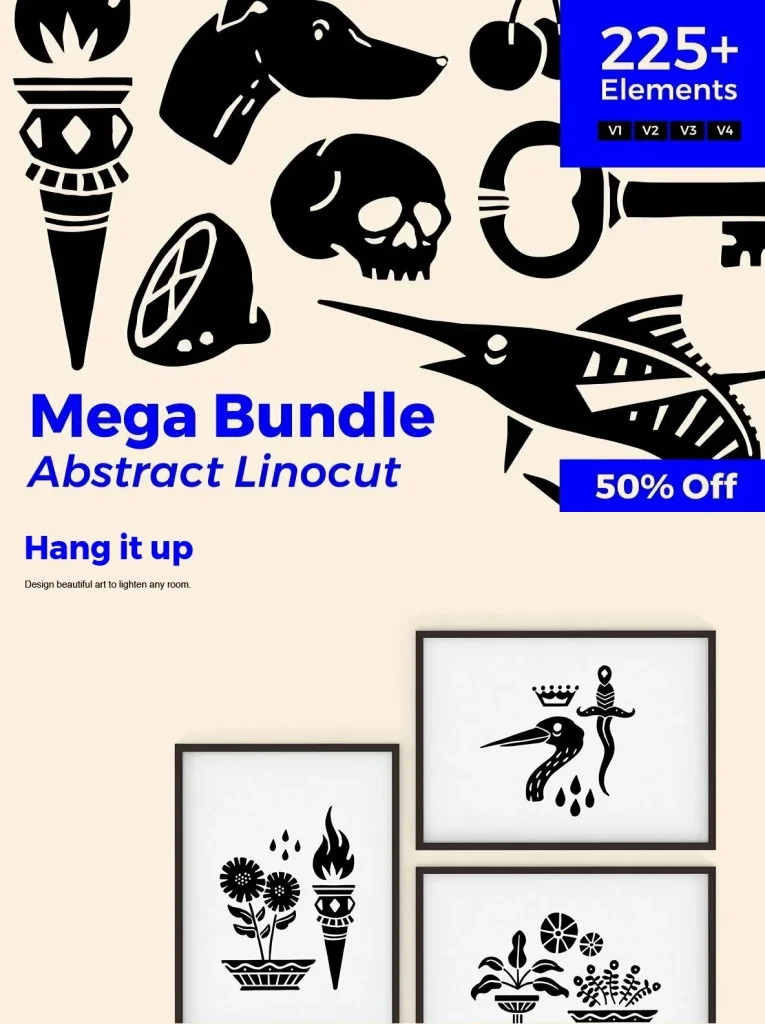
Looking for a new logo, a cleaner design workflow, or distinctive personal products? Abstract Linocut MEGA BUNDLE gives you a large set of linocut-style abstract elements you can edit quickly and adapt to your own visual system. Use the files to build compositions, swap shapes, and refine details without starting from scratch.
This pack suits a wide range of digital design and print work. You can keep outputs crisp for branding and logo exploration, or push the texture-forward look for posters, apparel, and social content. Files are included in Ai, EPS, JPG, and PNG formats for flexible use across common design tools.
Uses
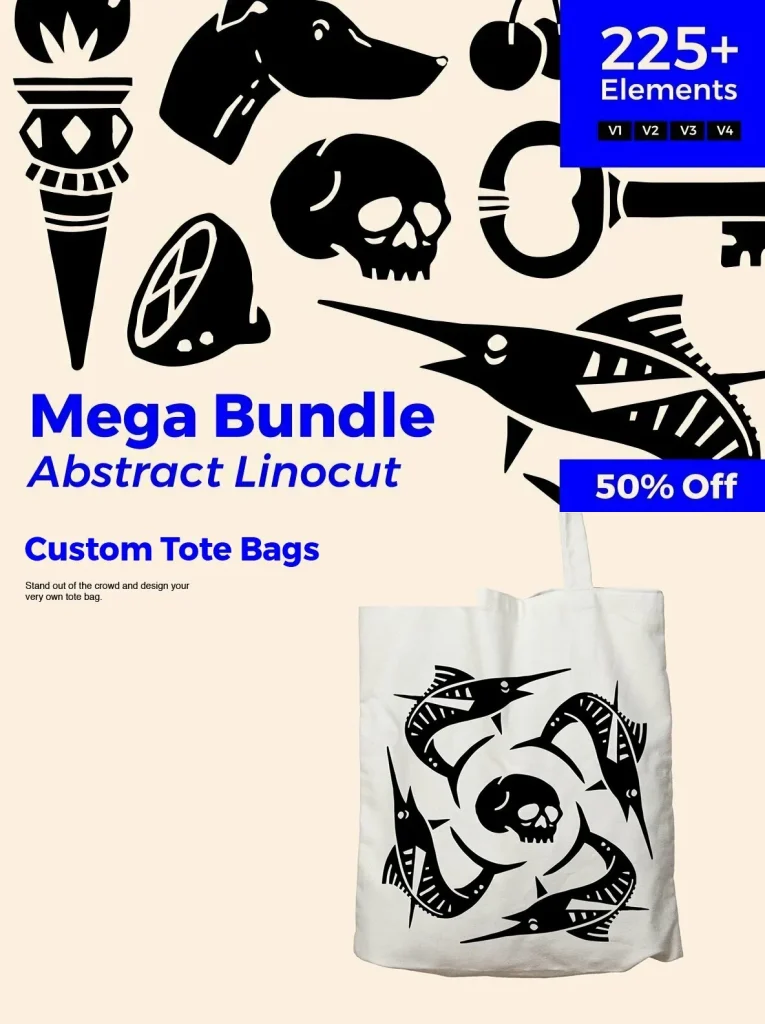
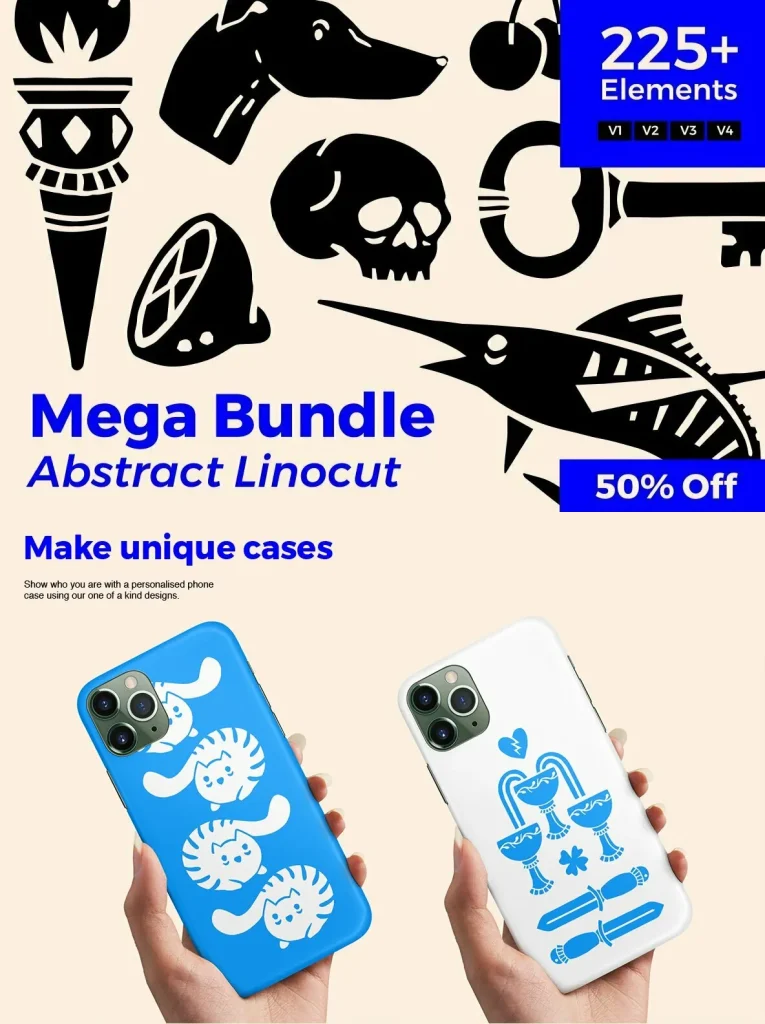
Clothing prints
Posters
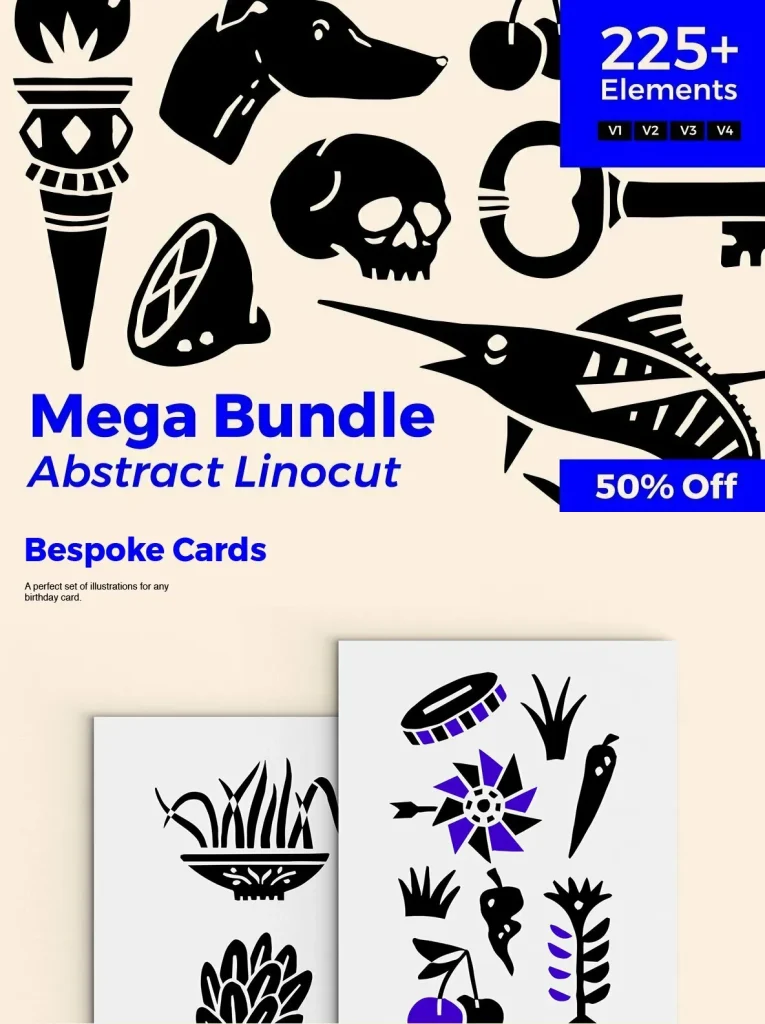
Postcards
Logos
Branding
Scrapbooking
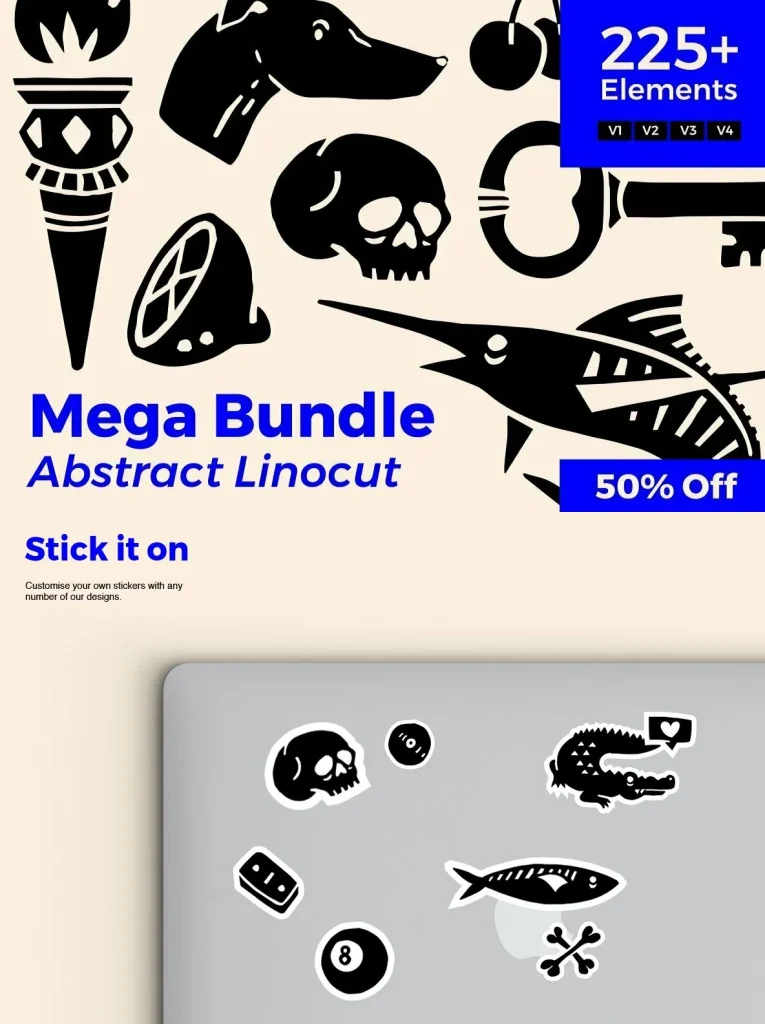
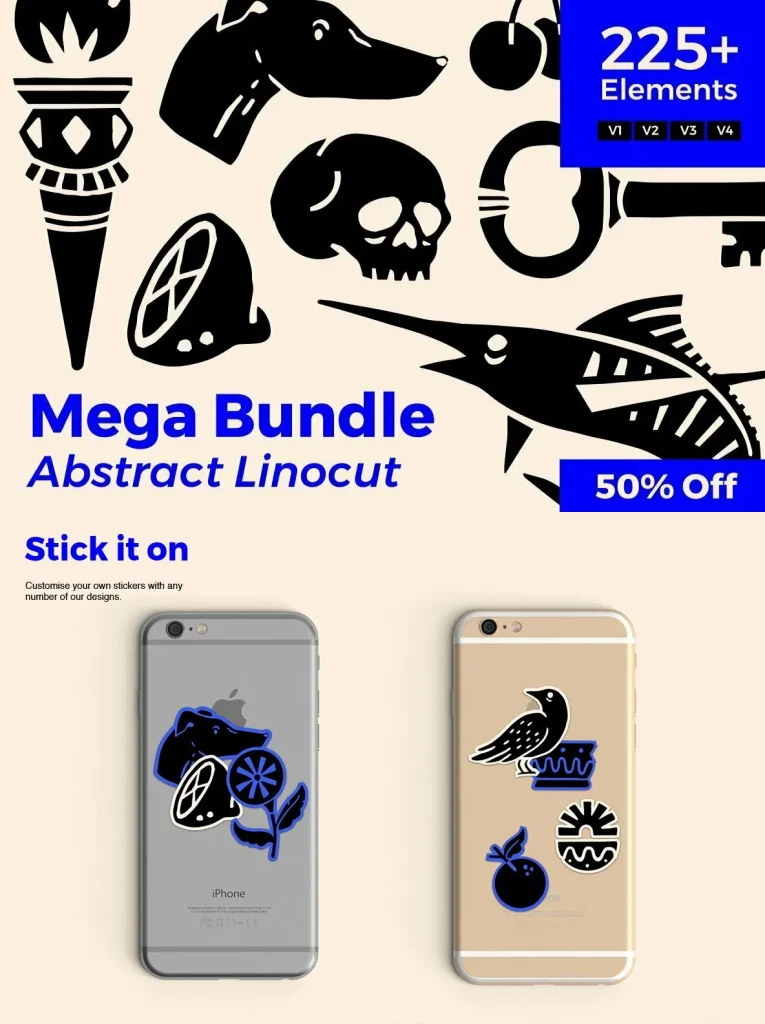
Stickers
Collages
Tattoos
Social media posts
Stories highlight icons
Apps
What’s Included
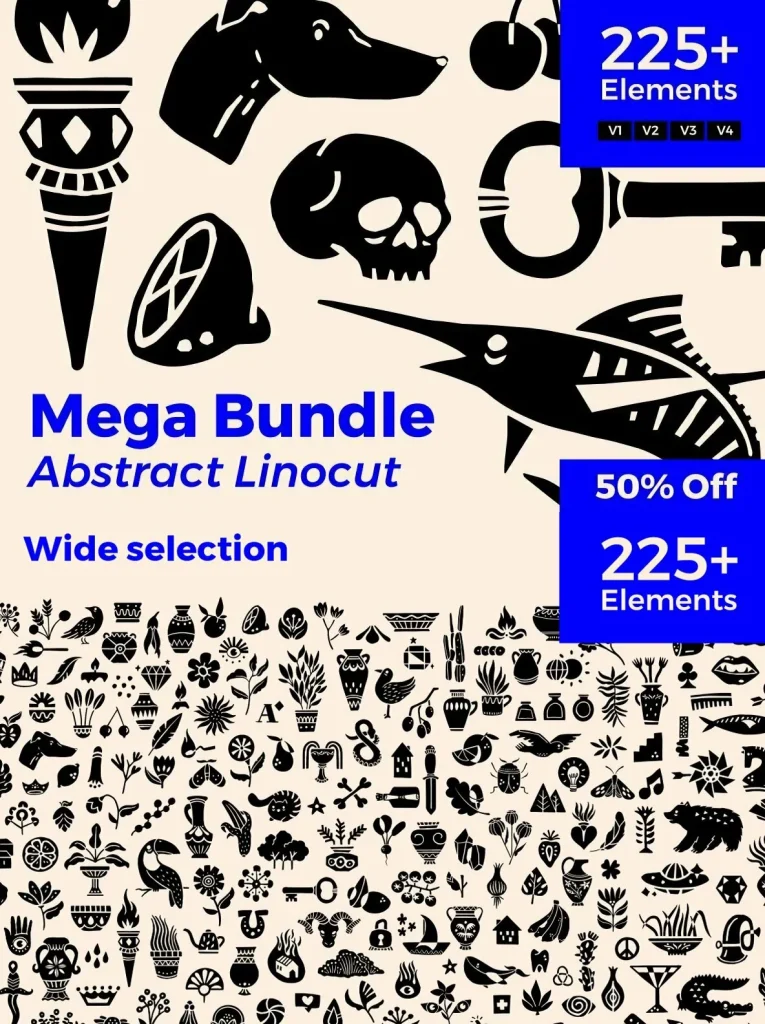
225+ individual elements (Ai, EPS, JPG, PNG)
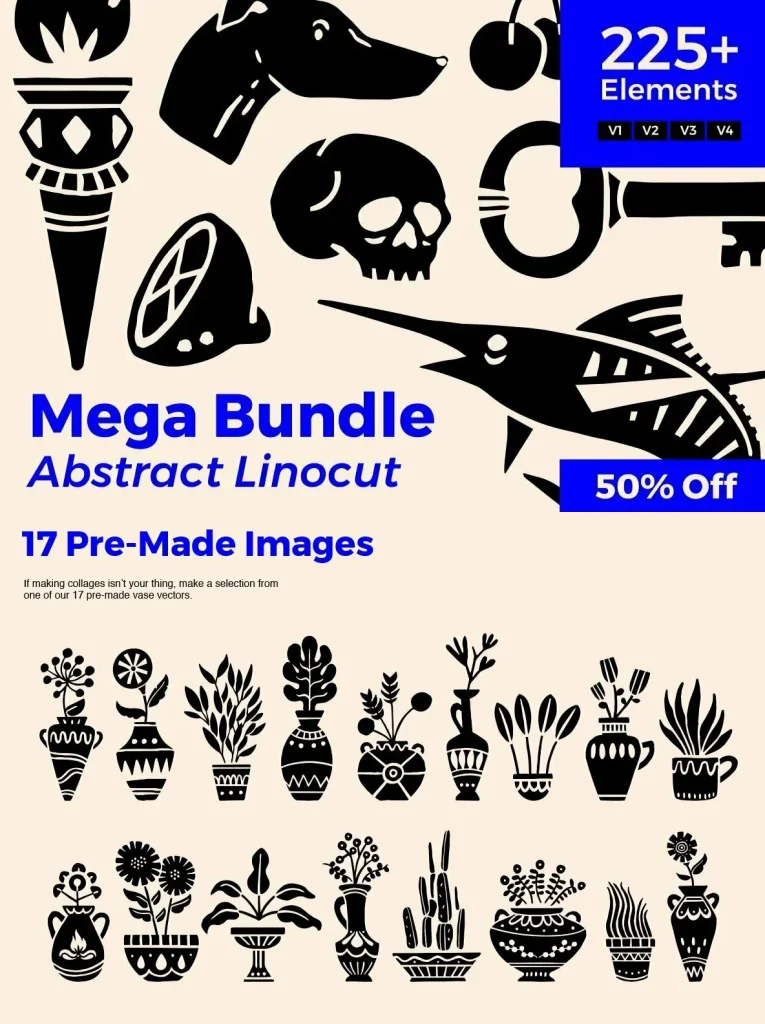
Over 17 Pre-Made designs (Ai, EPS, JPG, PNG)
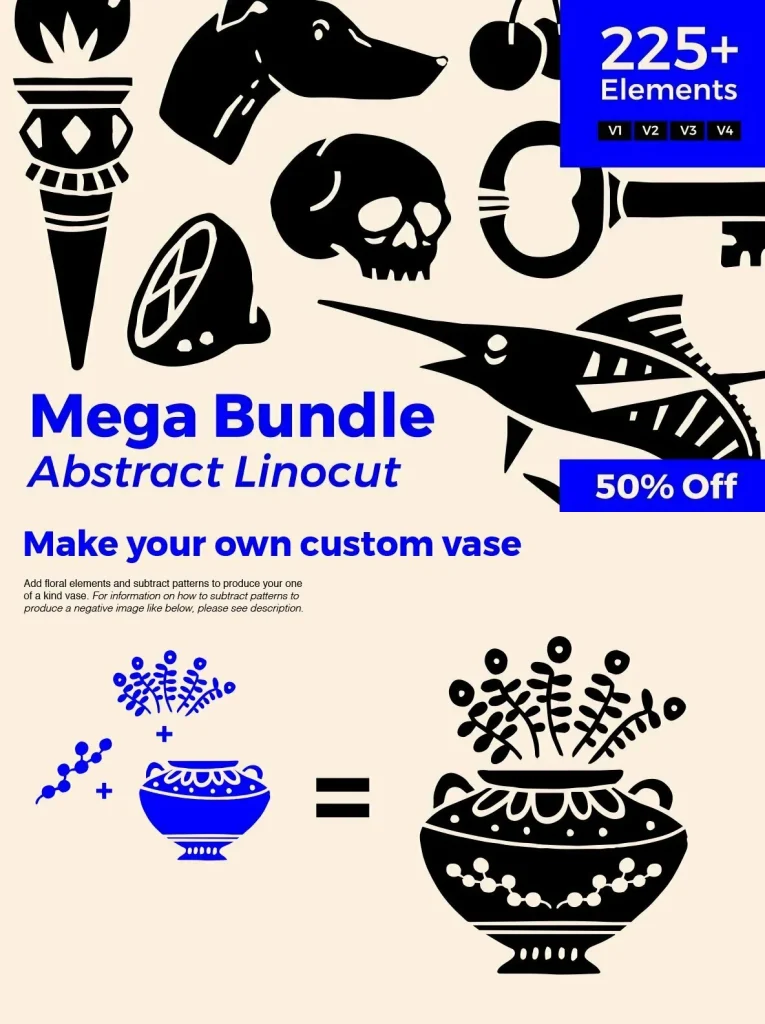
How to subtract patterns
- Create several overlapping shapes.
- Select the shapes that you want to combine.
- Select the Shape Builder tool and then click and drag across the selected shapes to merge the selected objects together.
- Hold down the Alt (Windows) or Option (Mac) key and click and drag across the newly added shape to subtract the objects.
File Formats:
Adobe Illustrator
,
EPS
,
JPEG
and
PNG
Files Included:
225
Additional software details might be listed above, but please make sure you have the correct software that can support these file formats before purchasing.