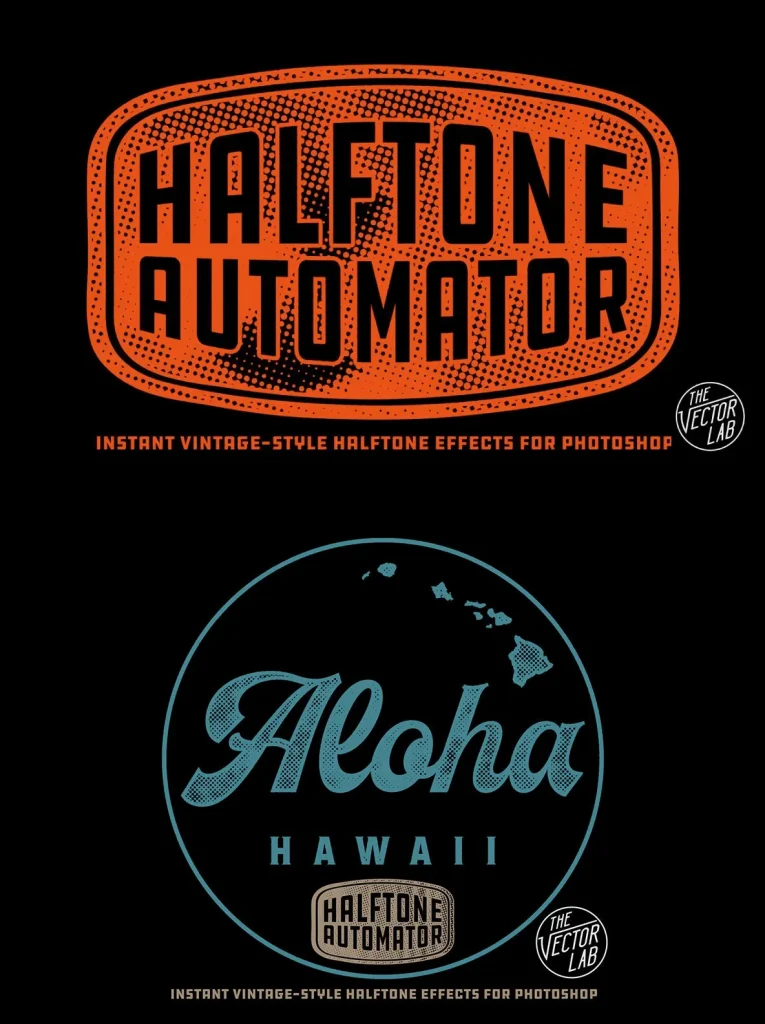
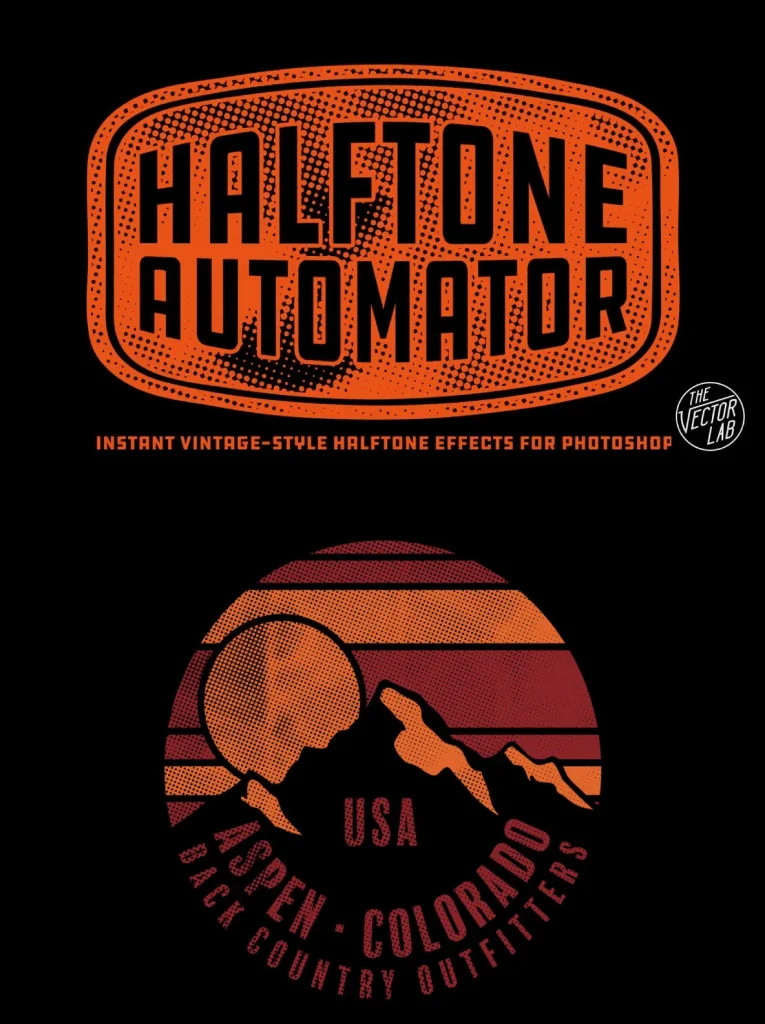
Halftone Automator — Vintage Print in Seconds
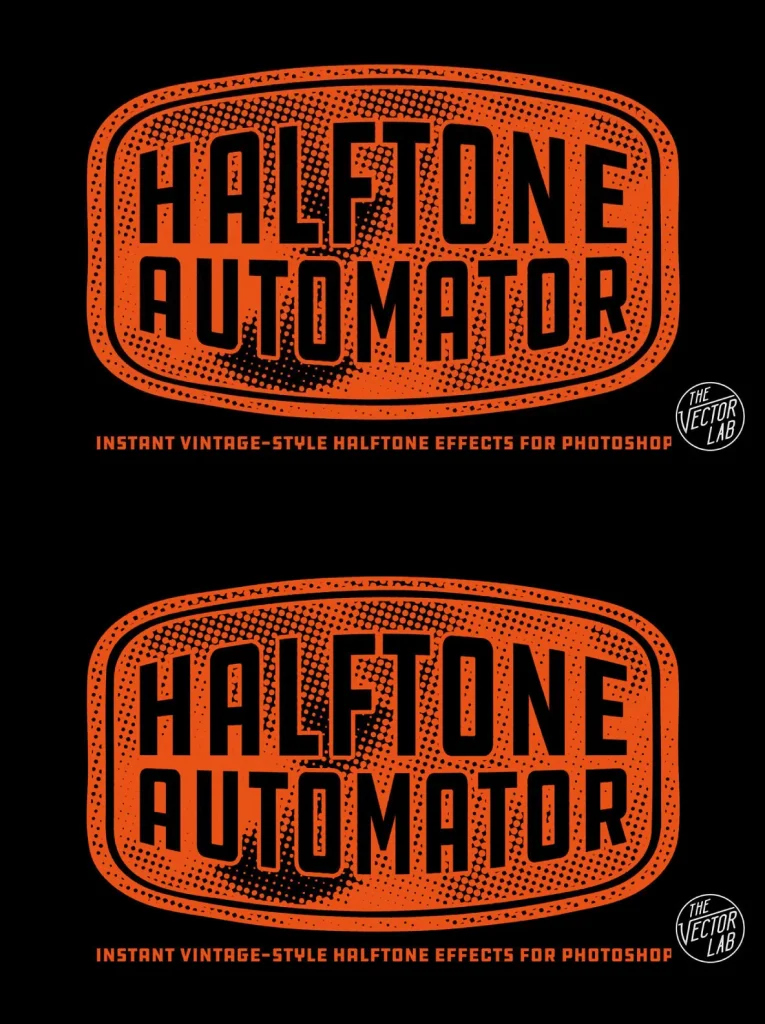
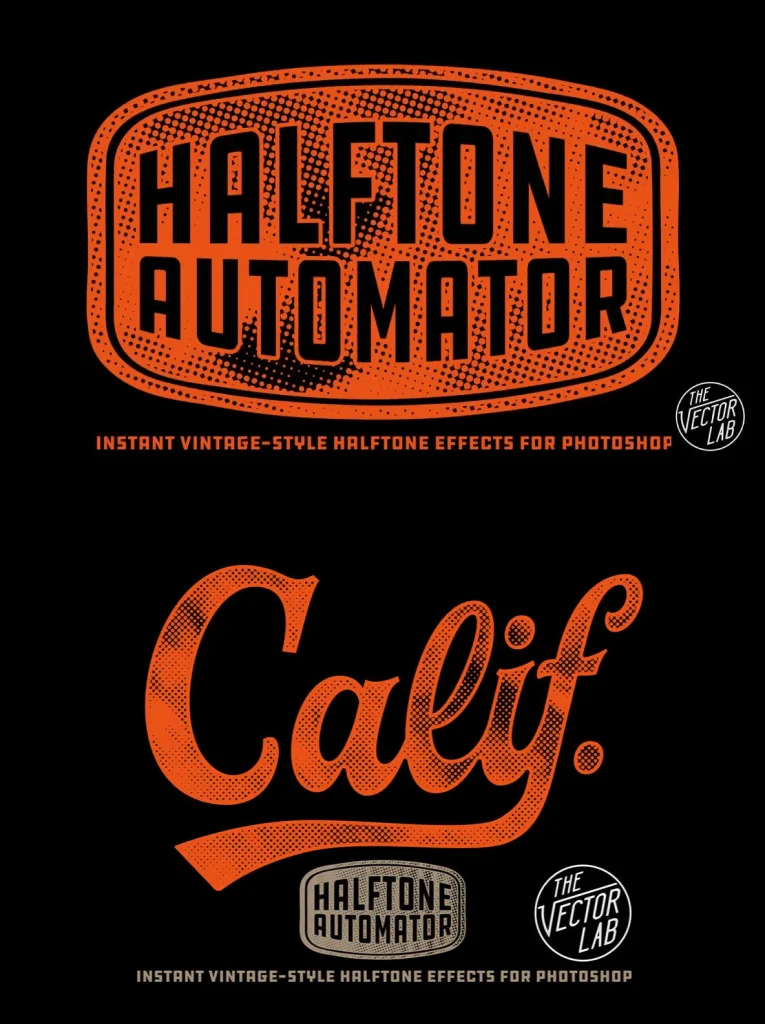
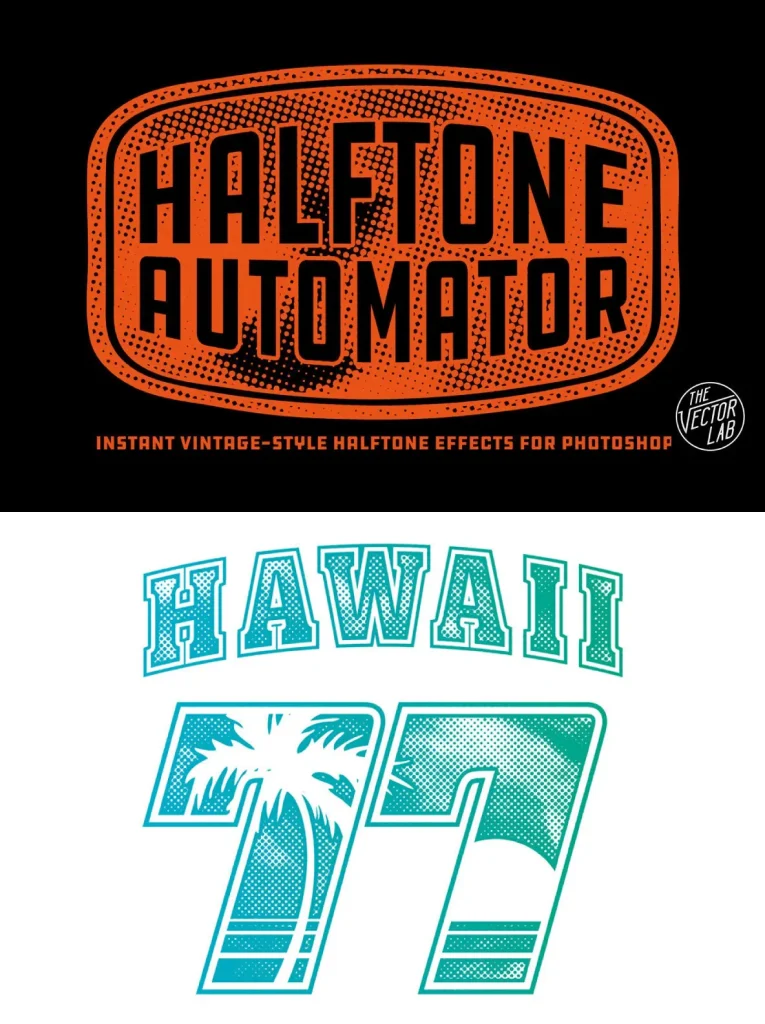
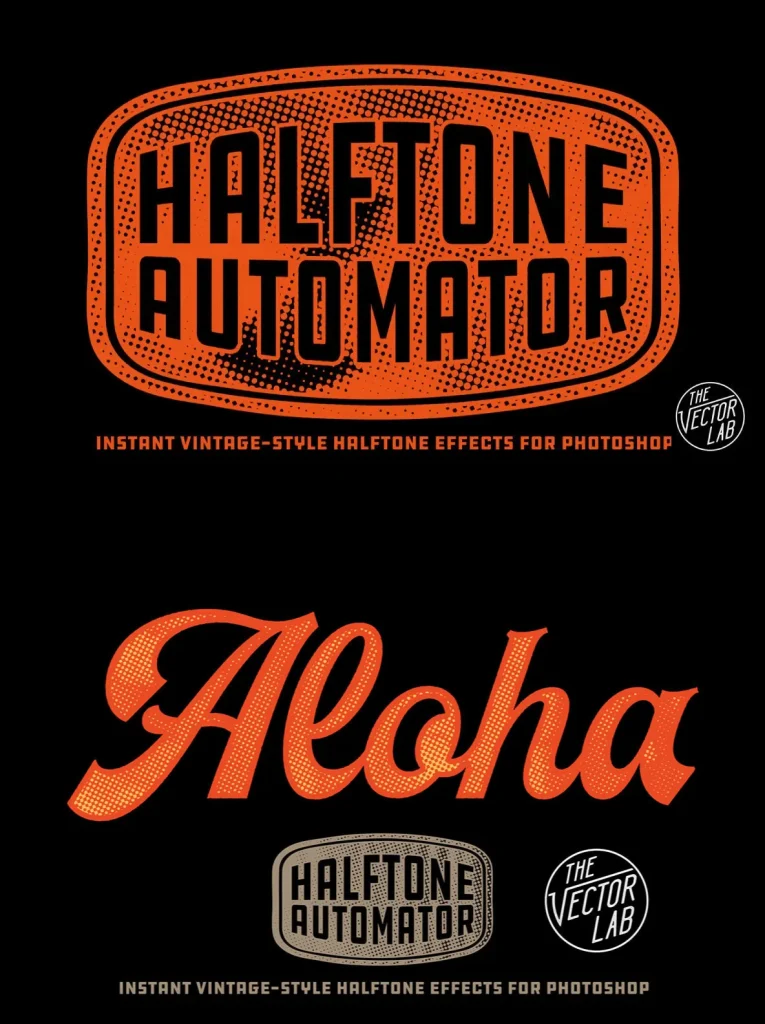
Apply an instant vintage-style halftone effect to your designs, logos, typography, and illustrations in Photoshop. Halftone Automator keeps the process simple and consistent, so you can test different print-like textures without rebuilding the effect each time.
How Halftone Automator works is straightforward. Paste your Pixel or Vector design into the designated Smart Object layer, then choose from 47 different halftone patterns and you are done. The effect works best when you paste in artwork on a transparent background. See the video for tips on how to adjust the applied halftone effect.
How Halftone Automator Works
Just paste in your Pixel or Vector design to the designated Smart Object layer.
Choose from 47 different halftone patterns, then you are done!
What’s included
The Halftone Automator Photoshop PSD template (4000 x 4000 pixels).
47 built-in halftone patterns with various dot sizes and density.
Quick Start Guide PDF instructions.
Dimensions:
4000
x
4000
(Pixels)
File Format:
Adobe Photoshop
Additional software details might be listed above, but please make sure you have the correct software that can support these file formats before purchasing.